Turn ideas into plans you can actually finish
PlanPat brings visual planning, AI message cards, weather-aware schedules, photos, maps, and shared plans into one iPhone app, so you can ask about schedule, progress, reminders, priority, collaboration, and weather.
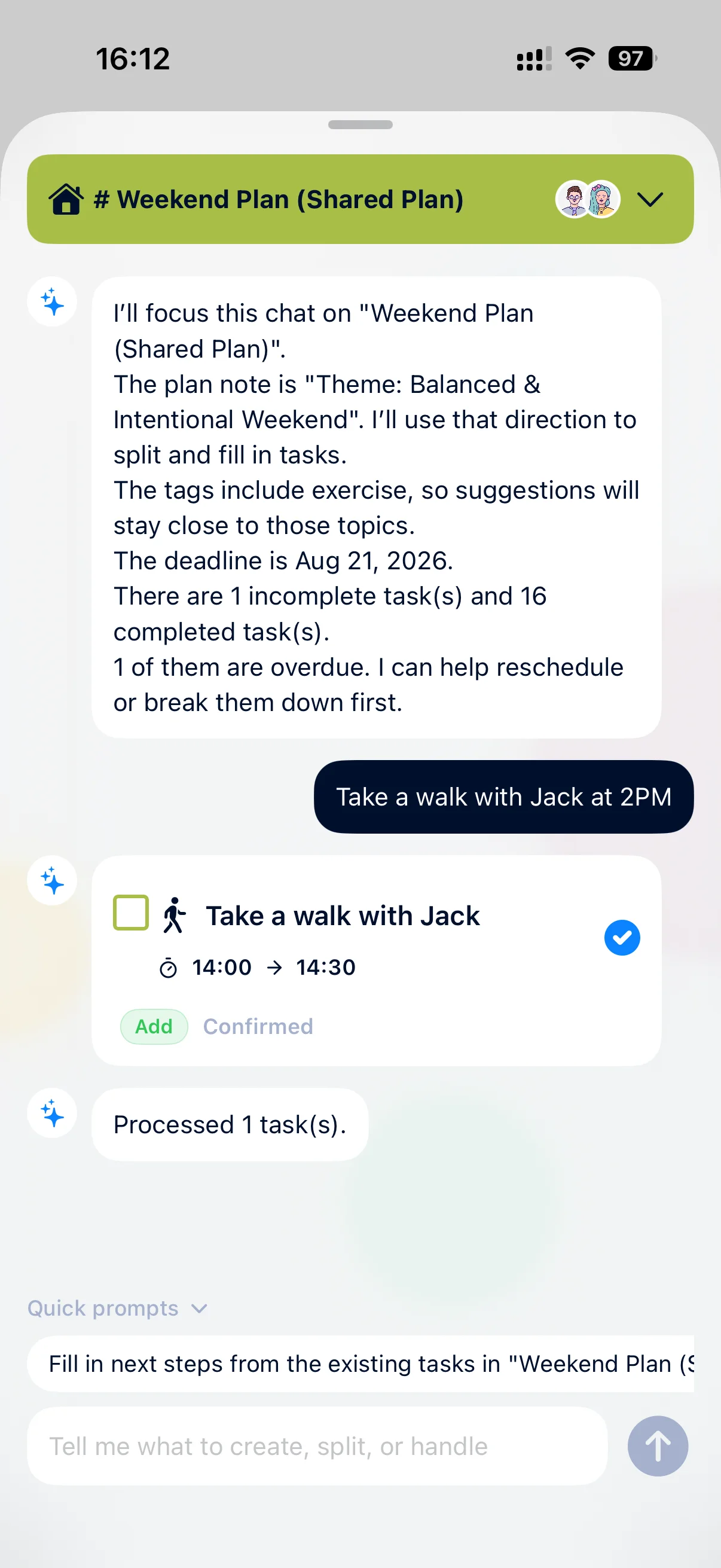

What is new and worth downloading
The latest app updates make PlanPat faster to start, smarter to adjust, and richer once your plan is in motion.
AI assistant message cardsNew
It does more than generate tasks. Ask what is due today, the next deadline, completion rate, reminders, urgent tasks, team ownership, or weather context, and PlanPat replies with readable cards. Natural language can also become confirmable task actions.
Create faster
The + action is now closer at hand, and tasks started from the home timeline remember your recent plan.
Weather for future tasks
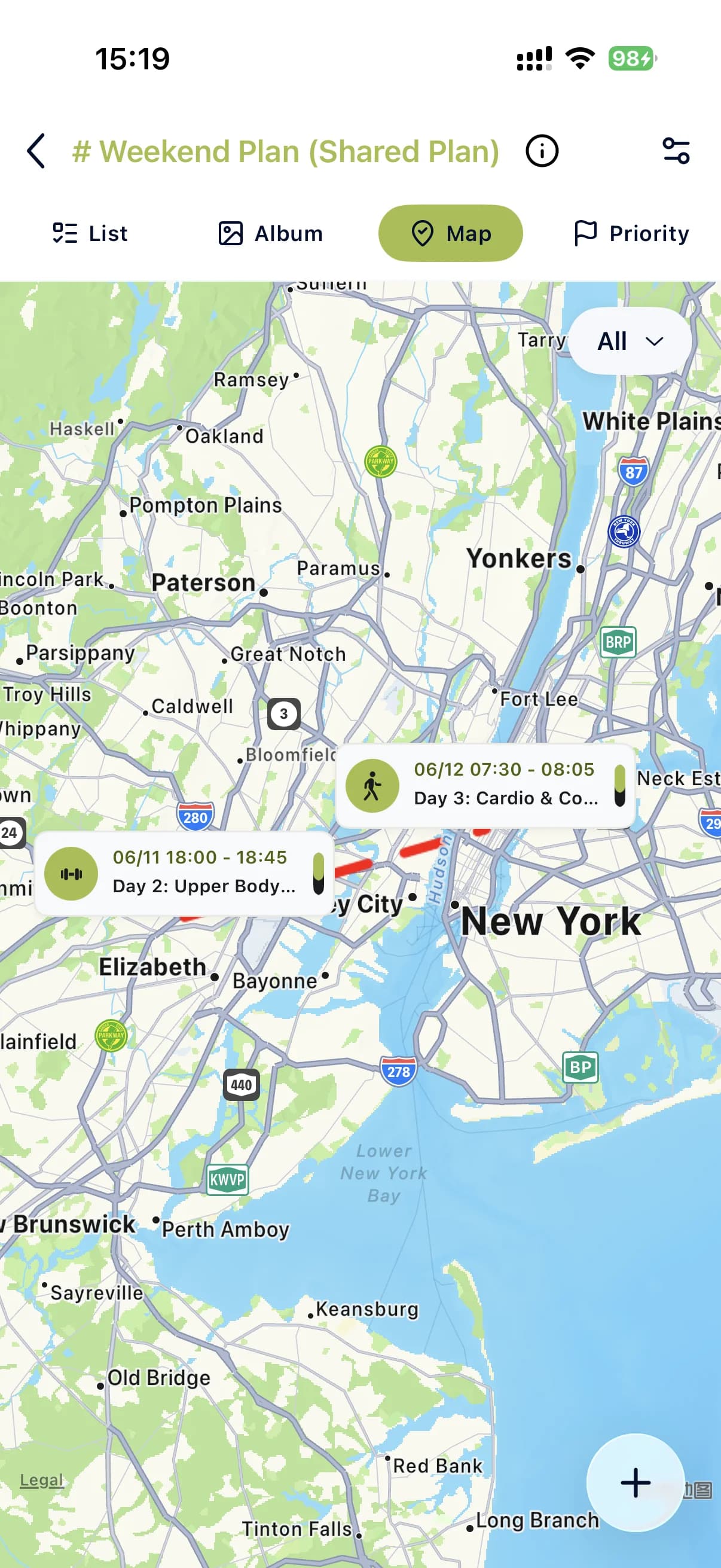
PlanPat can use upcoming task locations or a city in your prompt to show weather for the next few days.
Timeline, map, album, priority
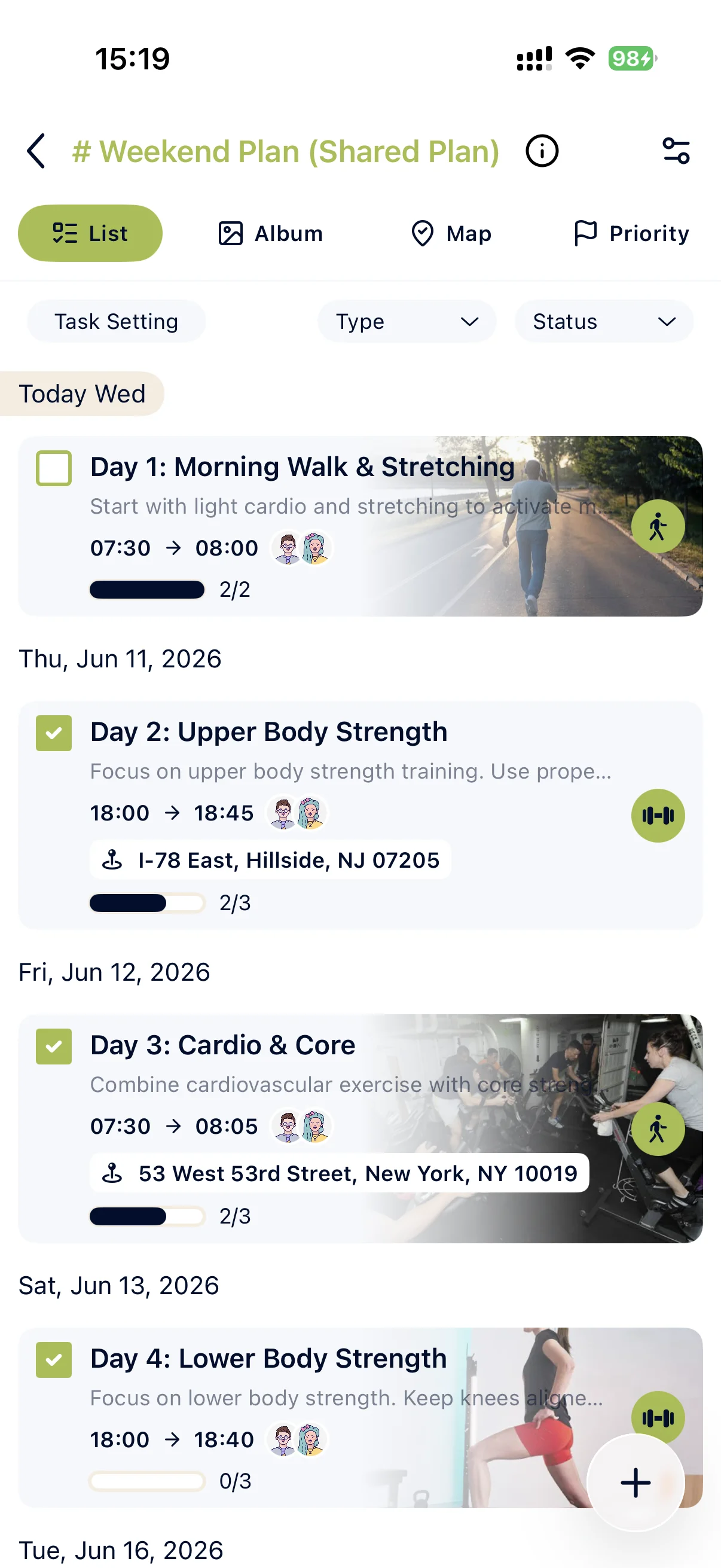
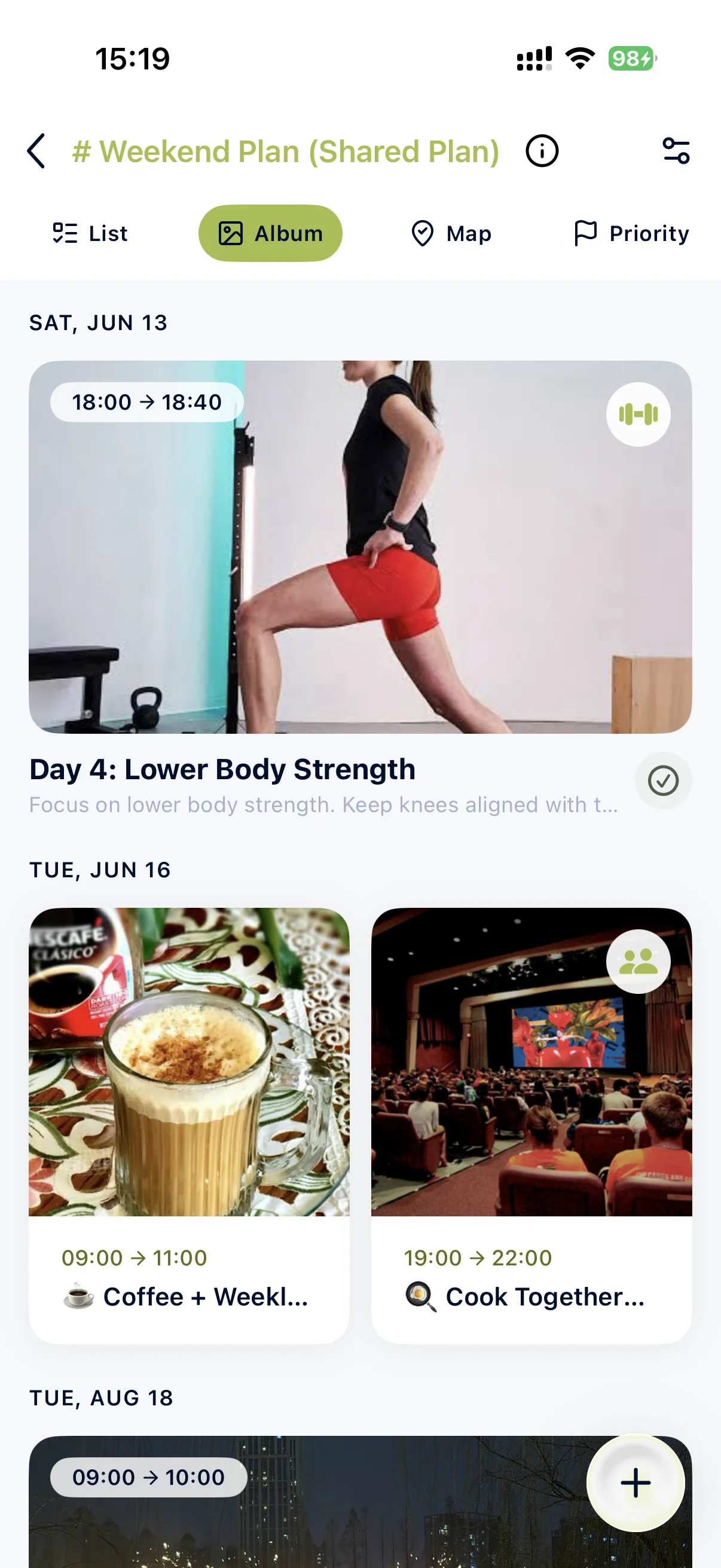
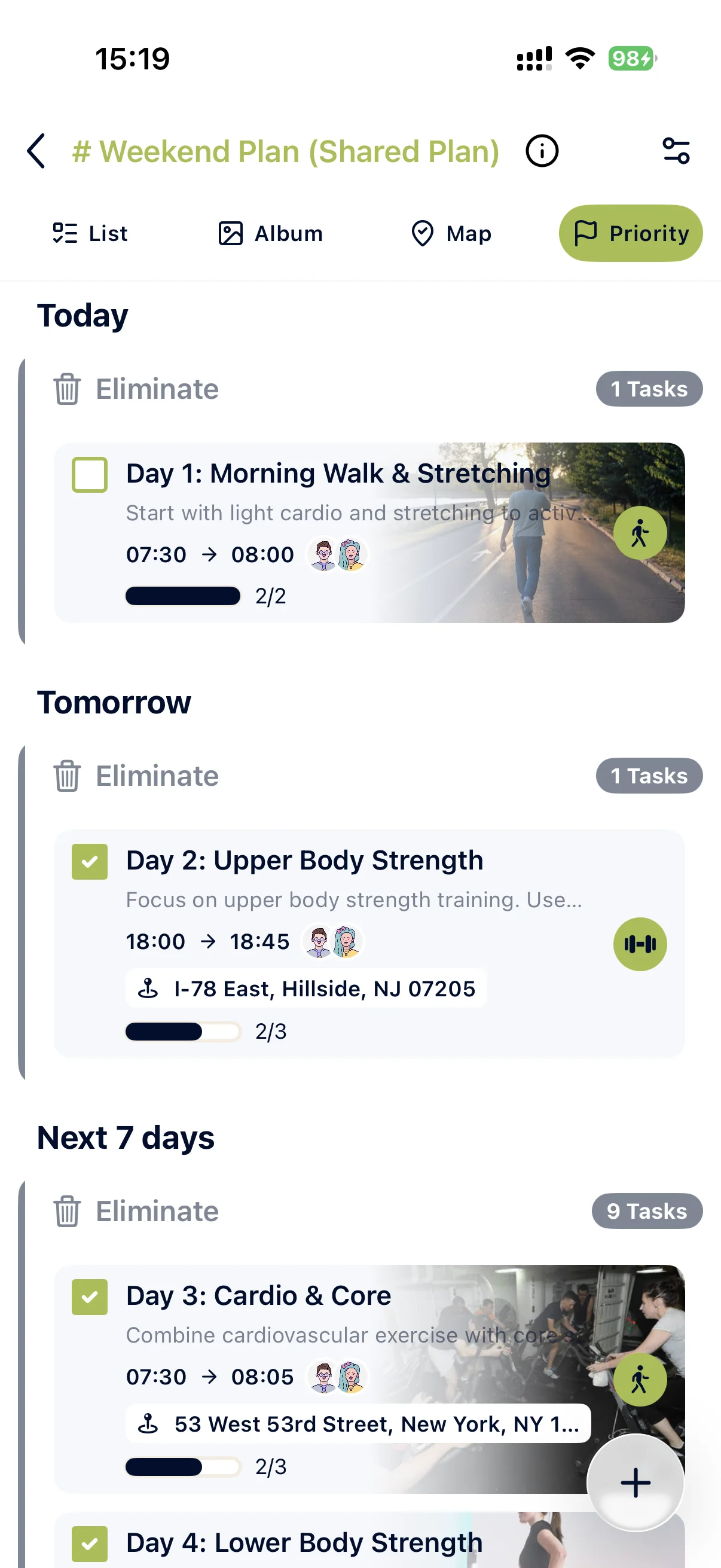
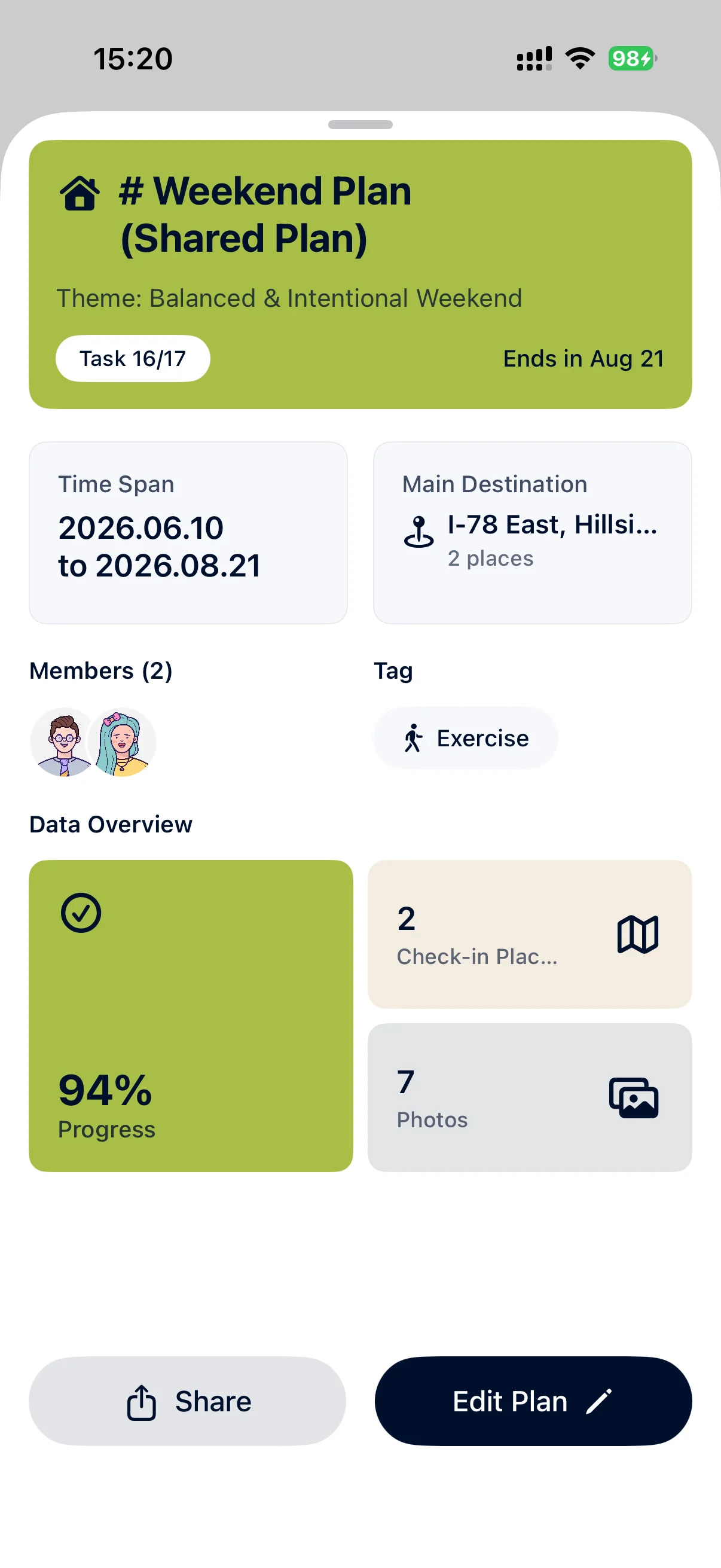
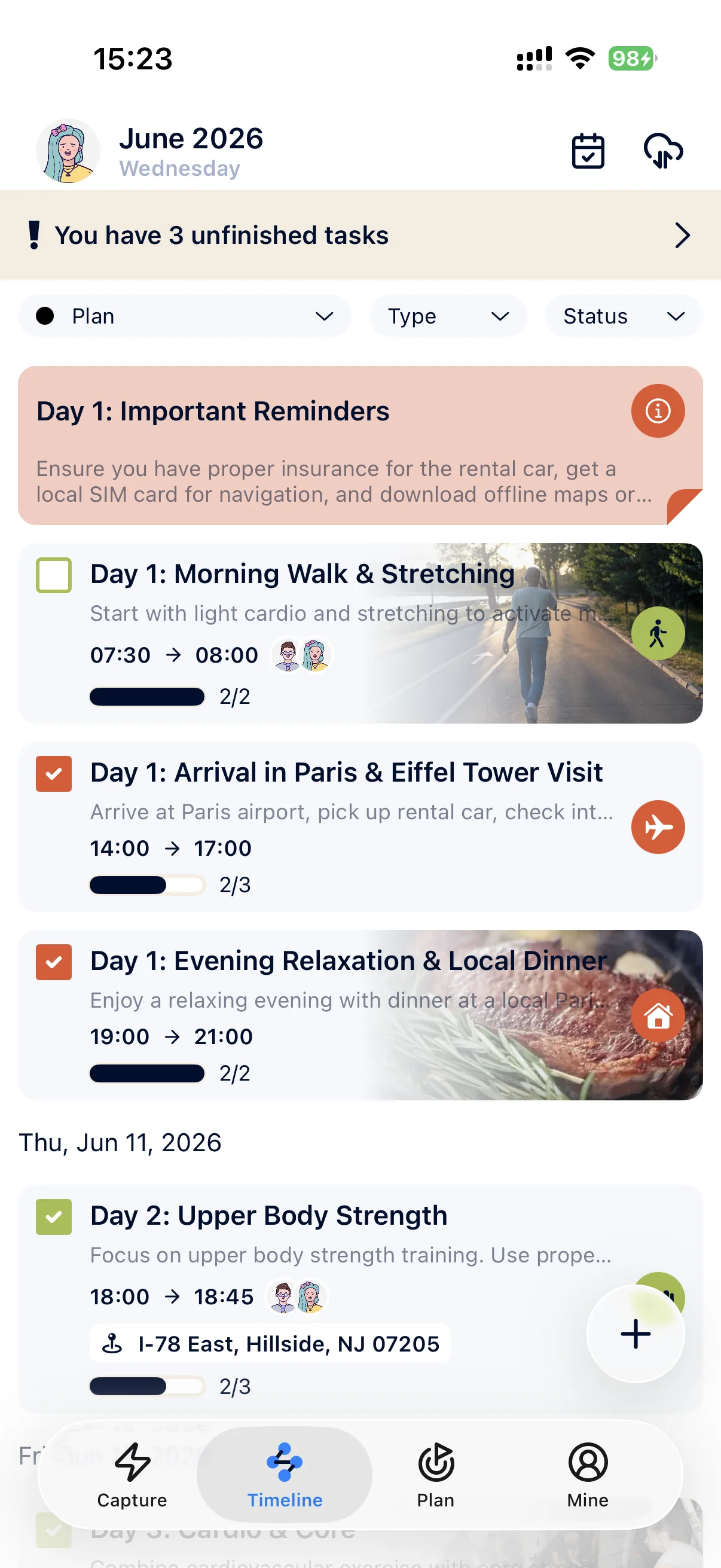
Plan details refresh from the live task store, so lists, maps, albums, dates, and progress stay in sync.
Photos stay with tasks
Add images to tasks and keep uploaded photos visible in the right order while you plan or review.
Shared plans
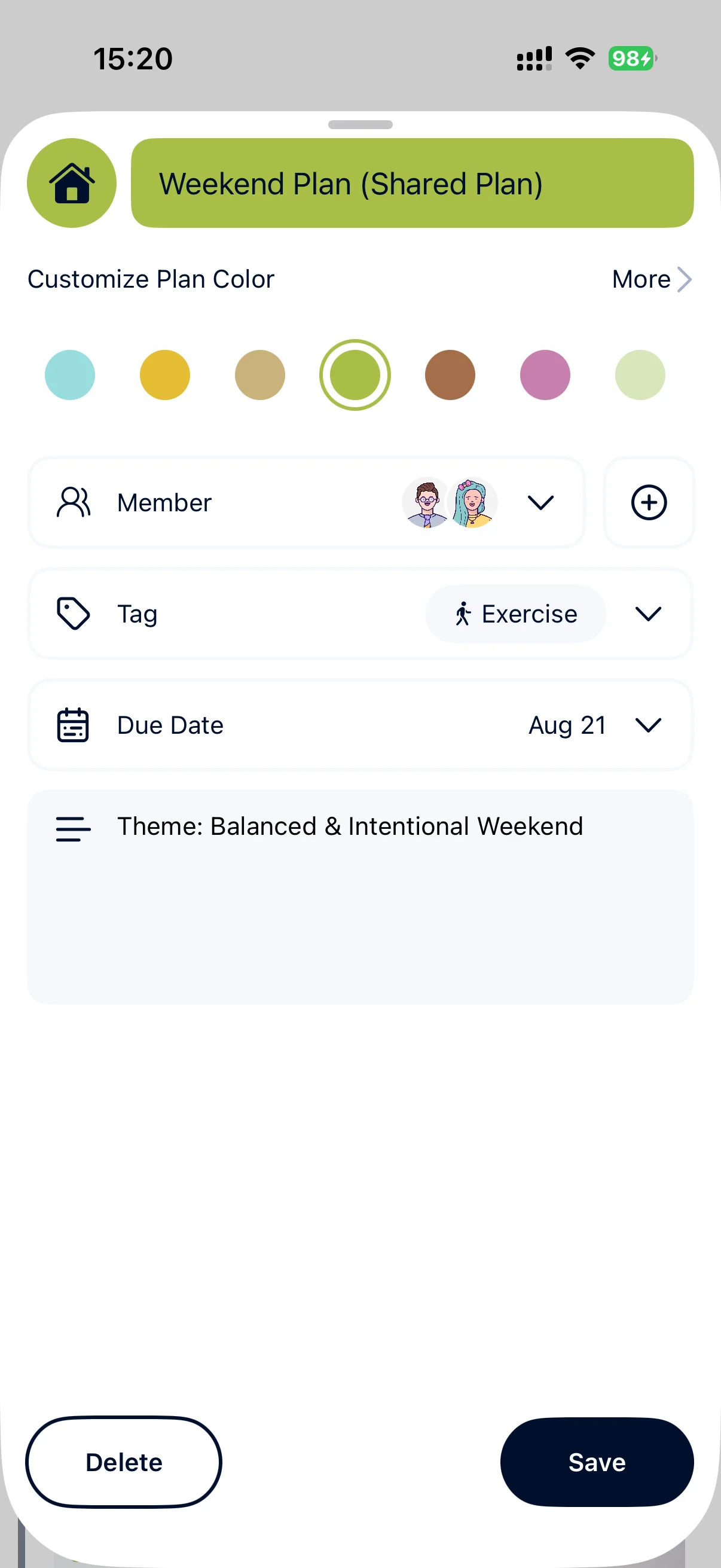
Send a plan invite, let friends join, and keep everyone aligned as the plan changes.
Download it before the plan becomes a group chat mess
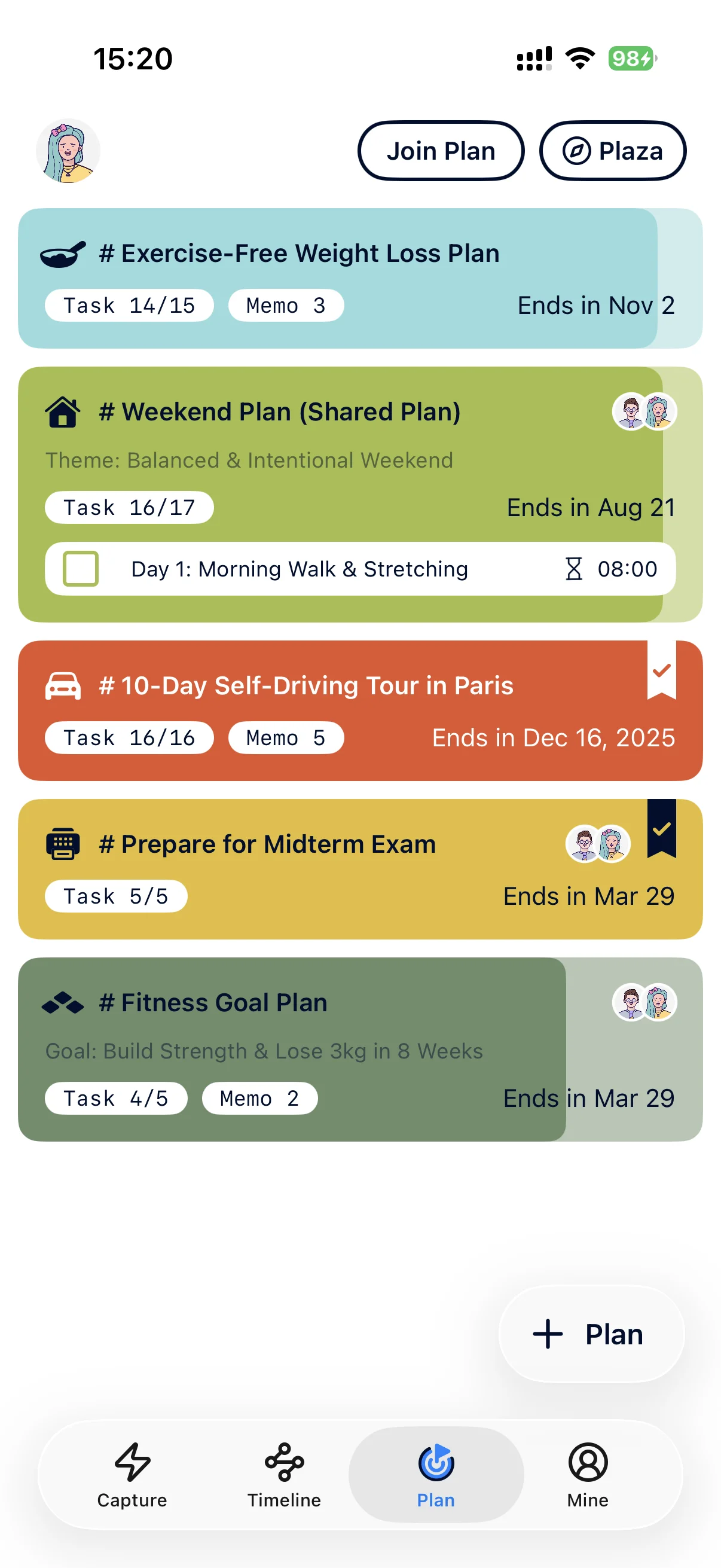
Invite friends, partners, classmates, or family into the same plan. Everyone sees the timeline, updates, and progress instead of hunting through messages.
Invite by link or code
Bring people into a plan quickly and keep the plan itself as the source of truth.
Shared progress
Updates, completed tasks, photos, and plan details stay visible as the work moves forward.
Less chasing
Use the plan to answer what is next, what changed, and what still needs attention.
For trips, study groups, routines, and shared goals
Built for the plans that leave your notes app
Download PlanPat when a goal needs dates, places, photos, progress, and someone to keep you moving.
Turn syllabi, exam dates, and rough notes into a clear study timeline.
AI breakdown
Ask AI to split an exam goal into tasks you can confirm before adding.
Daily momentum
Keep recurring practice, overdue items, and completion progress visible.



Frequently asked questions
Do you have any questions? We have got you covered.
Take your next plan into the app
Start with one goal, let AI draft the next steps, then keep the plan alive with dates, locations, photos, and people.